CWWK F2 4-Port 2.5GbE Firewall Mini PC
The CWWK F2 is a fanless 4-port 2.5GbE firewall mini PC built around CWWK's Elite N-Series motherboard and a larger Large-Back aluminum chassis. It supports Intel N100, N150, Core i3-N305, and Core 3 N355 processor configurations, four Intel i226 2.5GbE LAN ports, DDR5 memory, dual M.2 NVMe storage, SATA storage, VESA mounting, and optional 8010 fan installation.
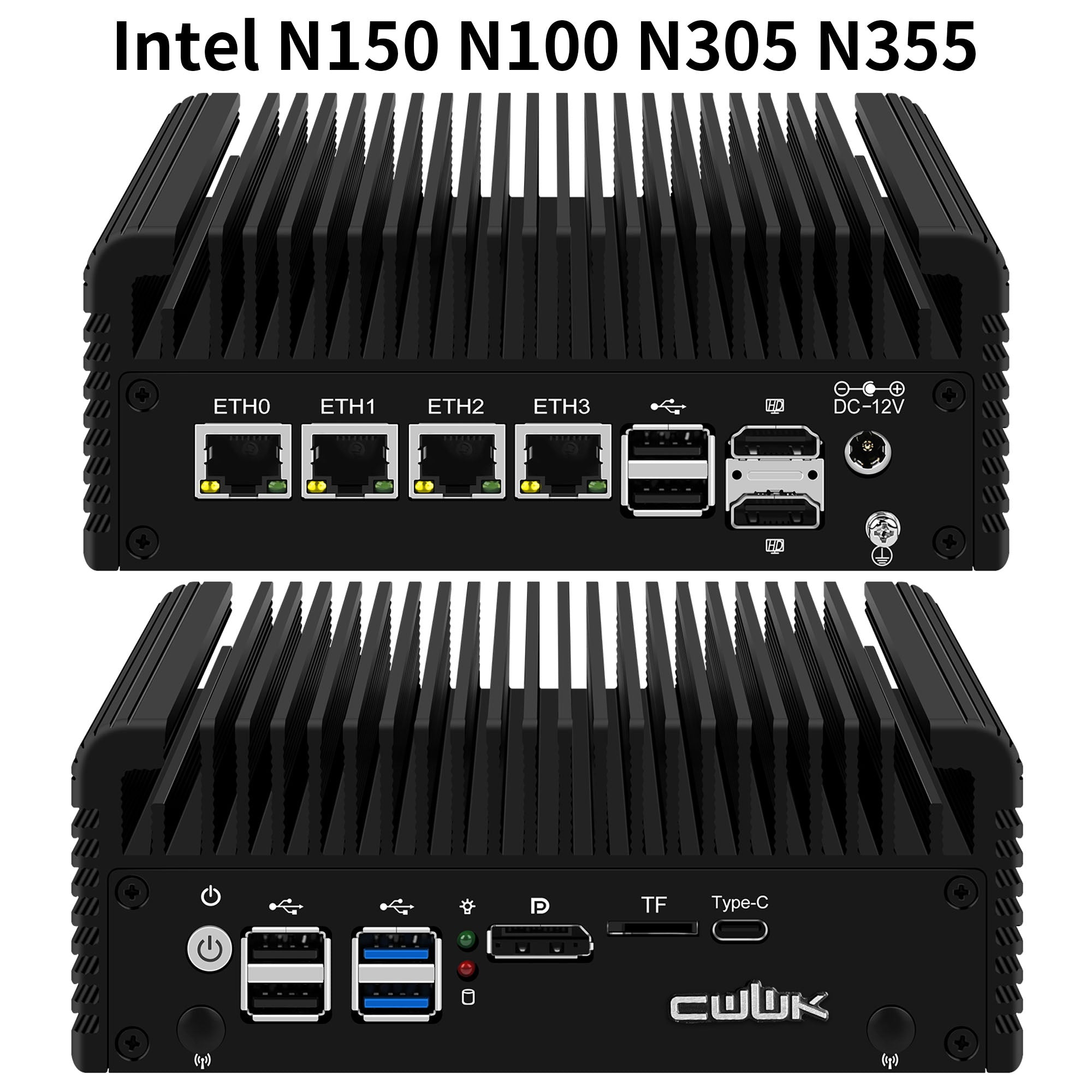
Intel N100, N150, N305 and N355 Processor Options
The F2 supports Intel N100, N150, Core i3-N305, and Core 3 N355 processor configurations. N100 and N150 provide a low-power platform for firewall, routing, VLAN, and VPN workloads, while the 8-core N305 and N355 provide additional processing resources for virtualization, containers, and multi-service home lab deployments.
Four Intel i226 2.5GbE Network Ports
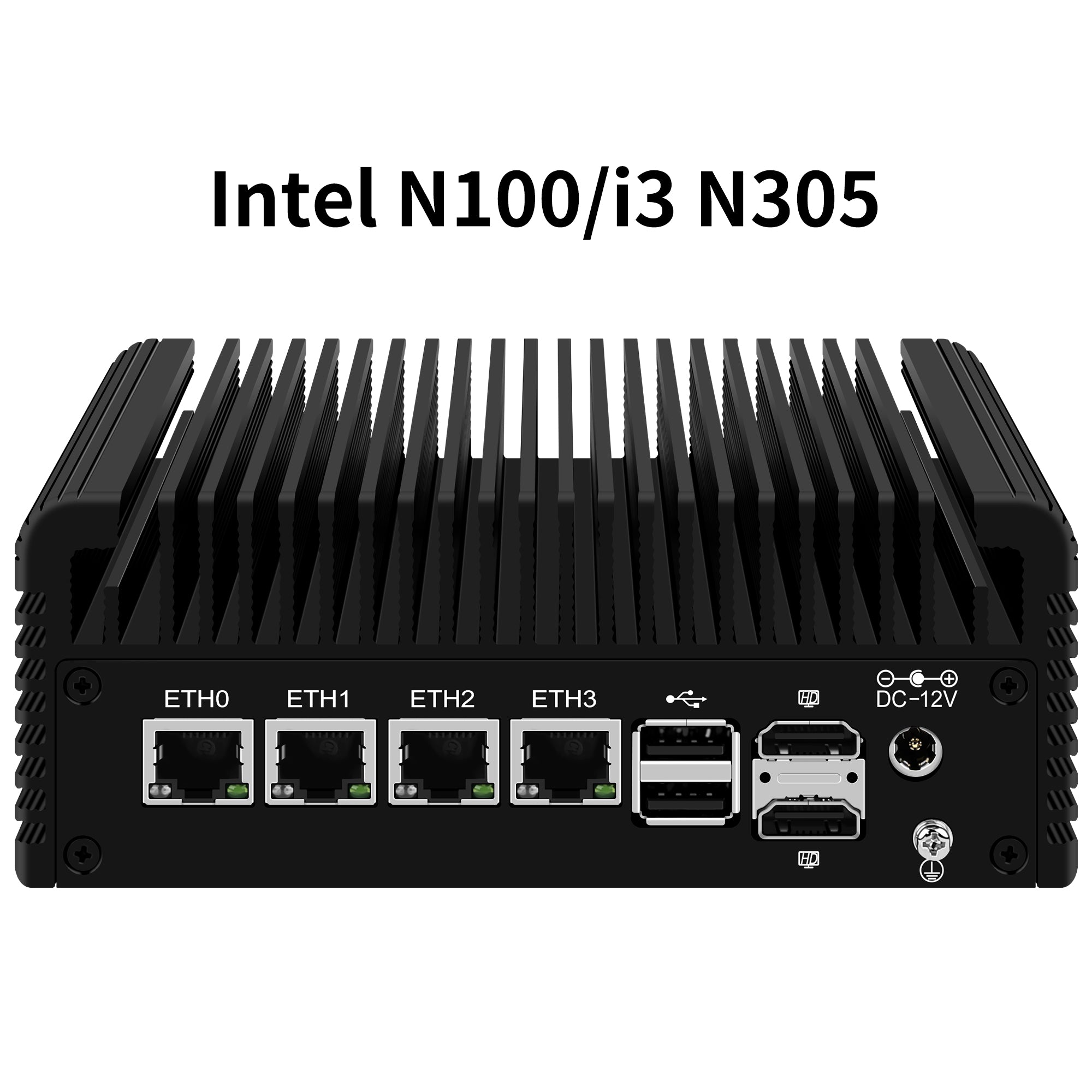
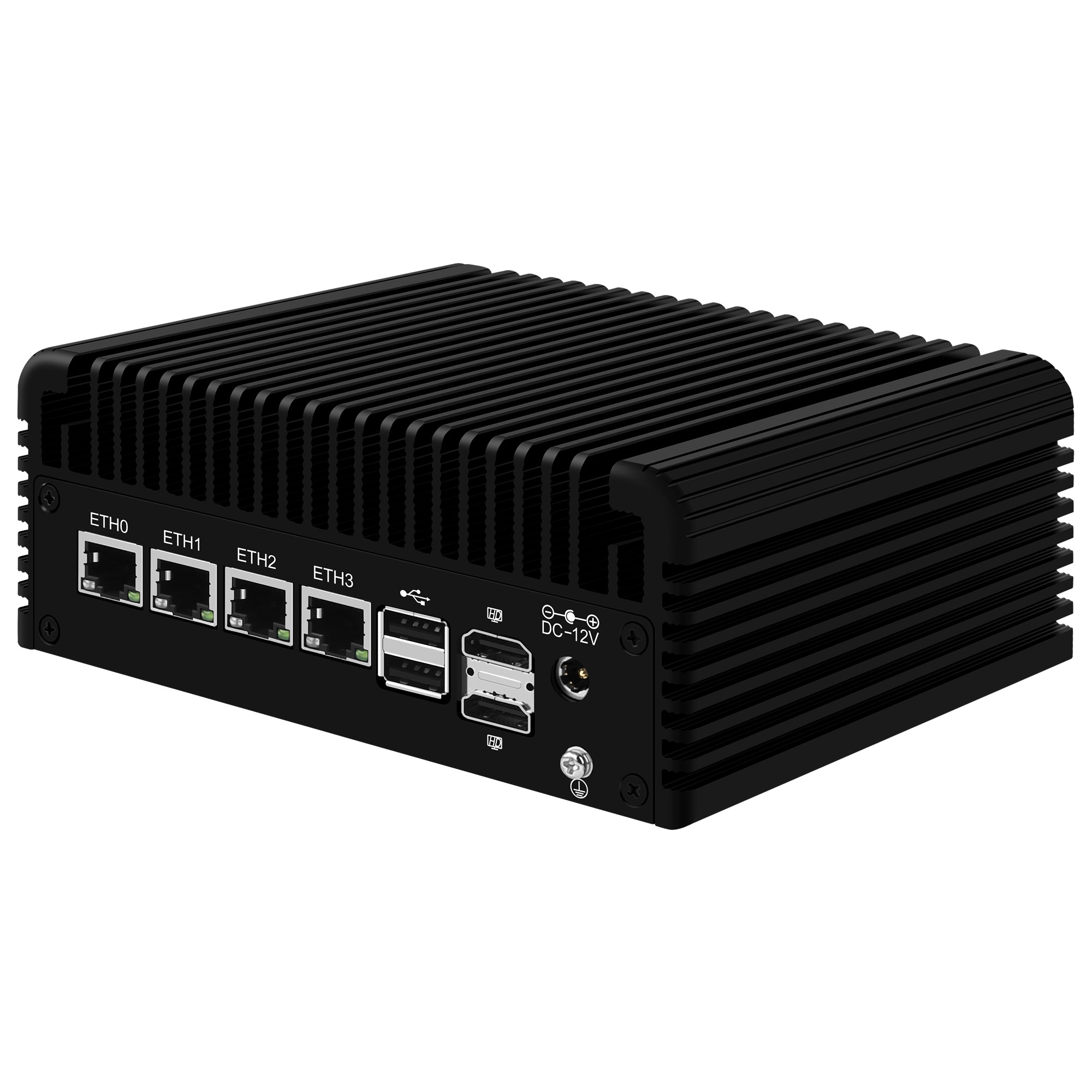
Four Intel i226 2.5GbE LAN ports provide independent physical interfaces for WAN, LAN, VLANs, access points, NAS systems, cameras, IoT devices, and isolated network segments.
Elite Motherboard, DDR5 and Dual NVMe Storage
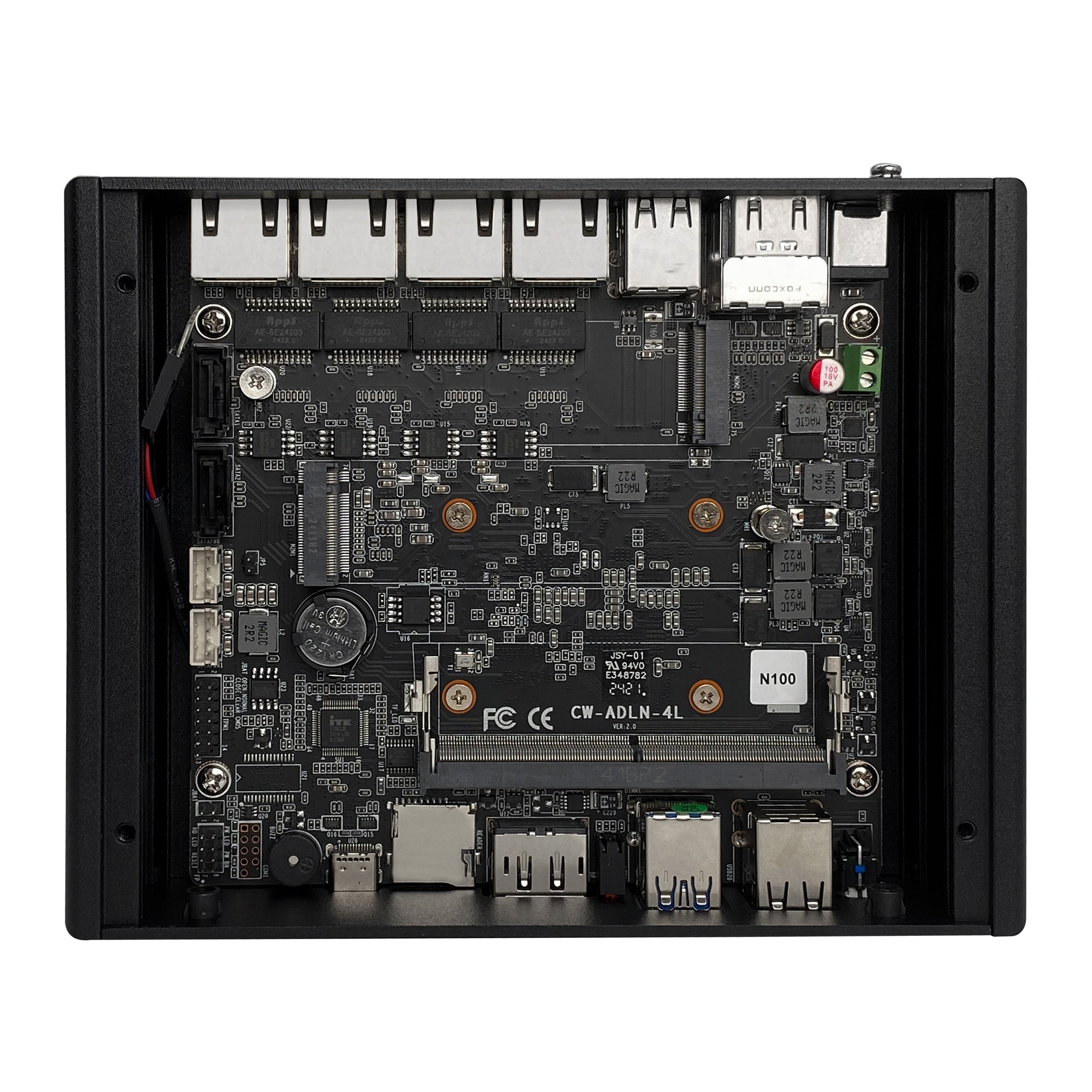
The F2 uses the same CWWK Elite 4-port N-Series motherboard platform as the F1. The board provides four Intel i226 2.5GbE interfaces, one SO-DIMM DDR5 memory slot, two M.2 NVMe SSD positions, and two SATA interfaces for system storage, logs, virtual machines, containers, and additional local storage.
- Elite 4-port N-Series motherboard
- 4 × Intel i226 2.5GbE LAN ports
- 1 × SO-DIMM DDR5 memory slot
- 2 × M.2 NVMe SSD slots
- 2 × SATA interfaces
- No additional motherboard expansion interface

Large-Back Chassis with Enhanced Passive Cooling
6.10 × 5.31 × 2.56 in
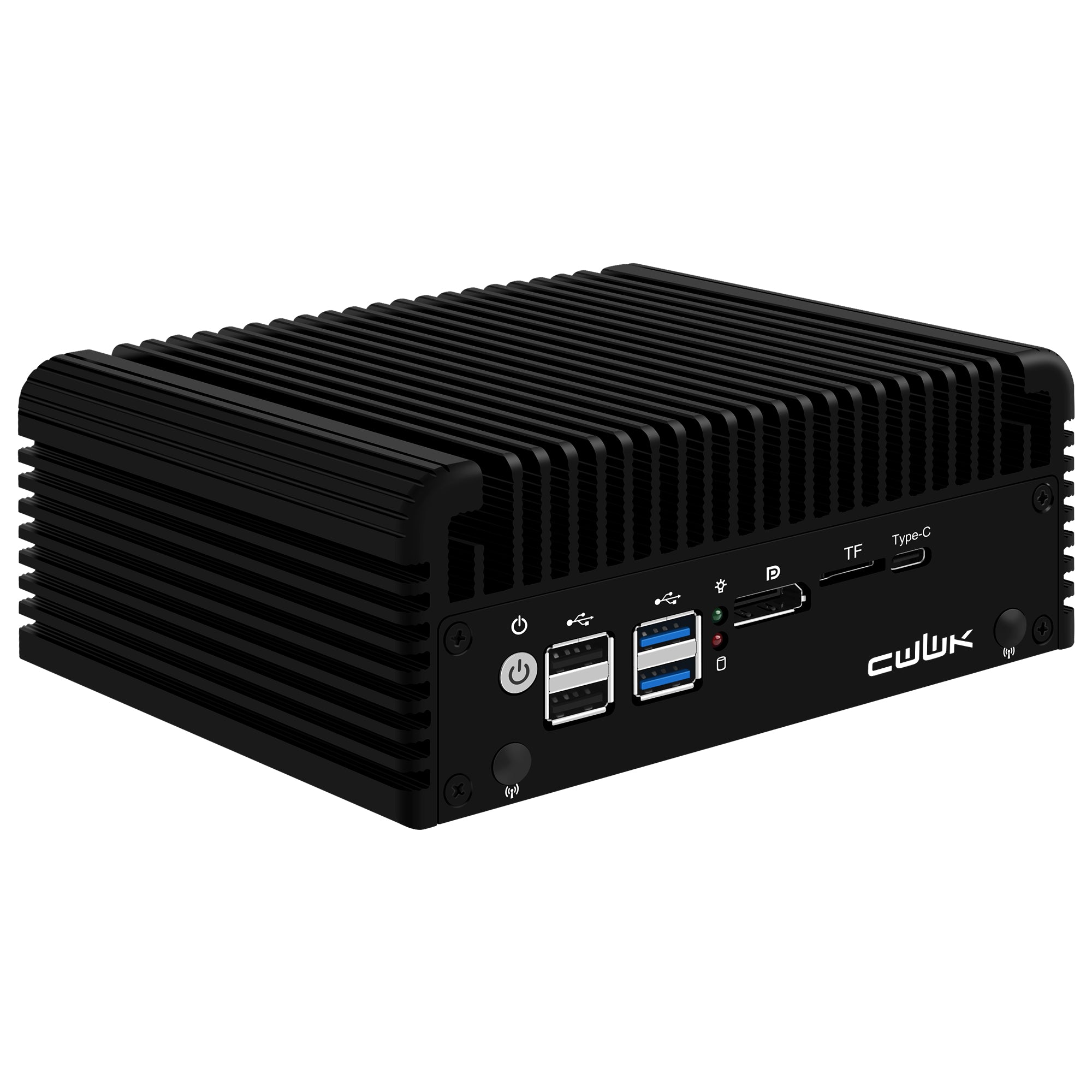
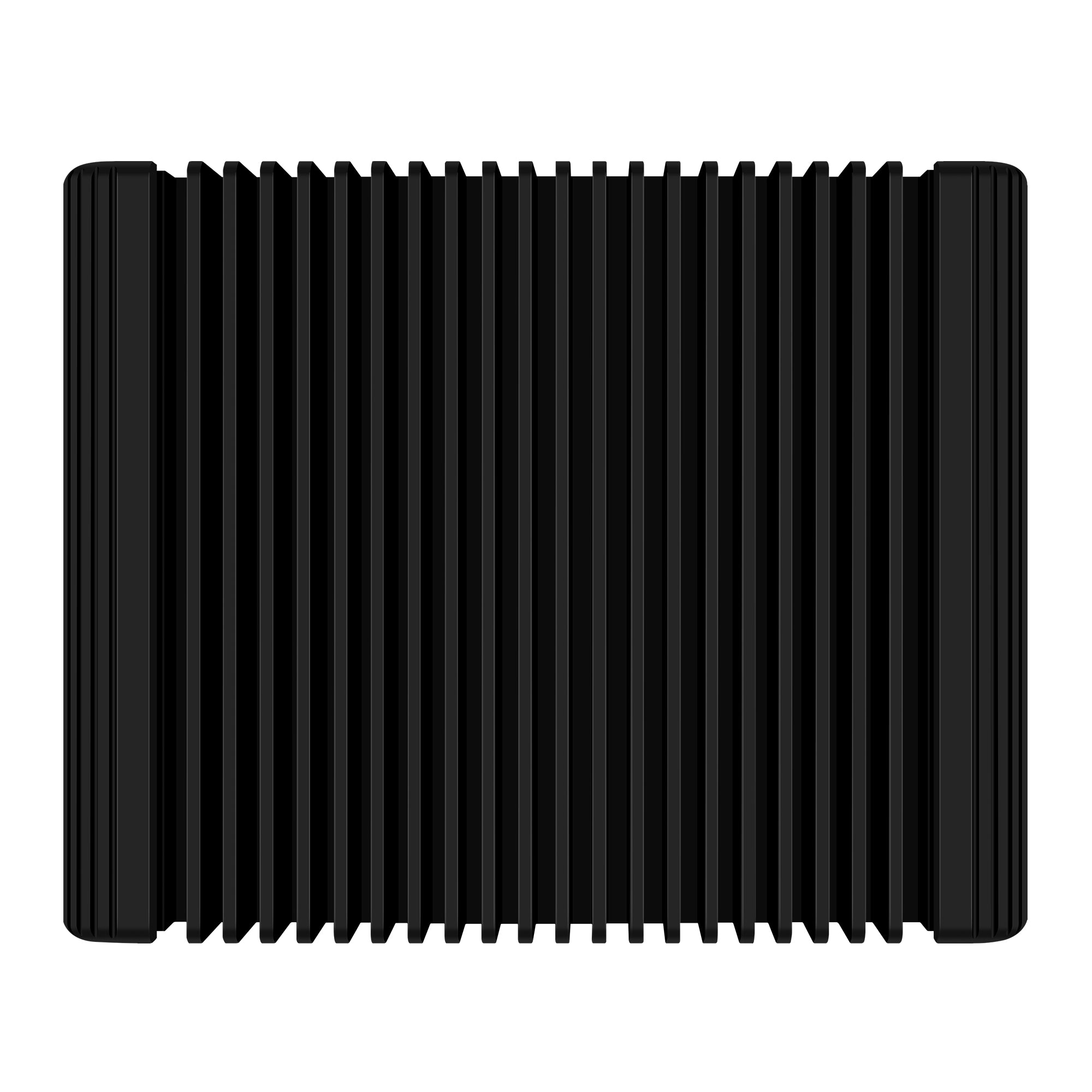
The main difference between the F2 and other Elite motherboard models is its Large-Back aluminum chassis. The F2 measures 155 × 135 × 65 mm and uses external heat-dissipation fins to transfer processor heat through the enclosure without requiring a continuously running internal fan.
Compared with the more compact F1 chassis, the F2 uses a larger enclosure and provides stronger passive heat dissipation. It remains a fanless system while also supporting an optional 8010 cooling fan when additional airflow is required.

F2 vs F1 Chassis Size and Cooling Design
F1 and F2 use the same Elite motherboard, processor family, networking, memory, and storage architecture. The practical difference is the enclosure. F1 prioritizes a smaller High-Y chassis, while F2 uses the larger Large-Back chassis for users who prefer additional passive cooling capacity.
Internal Layout and Bottom Mounting Design
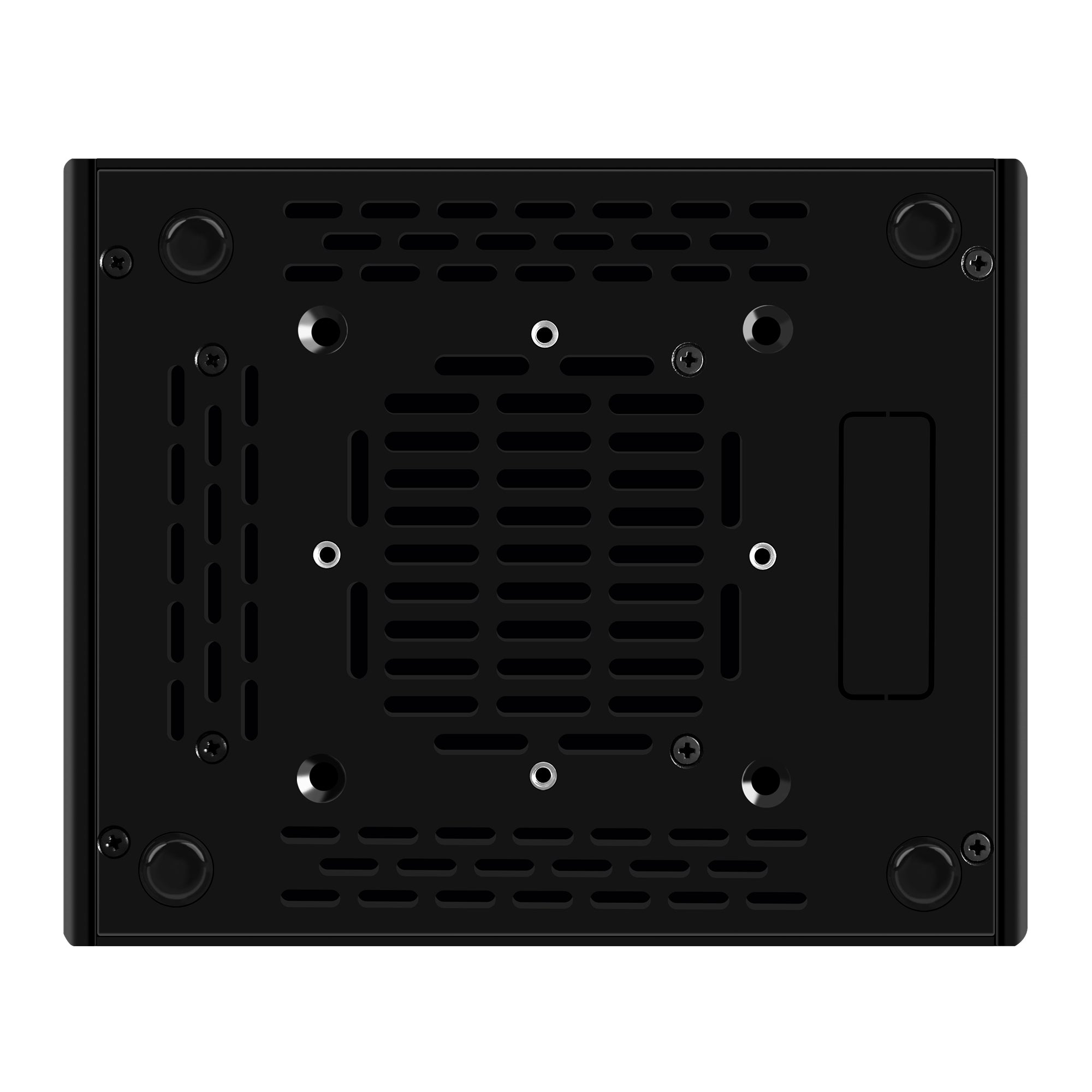
The F2 places the Elite motherboard inside the larger Large-Back chassis while retaining access to DDR5 memory, dual NVMe storage, SATA connectivity, network interfaces, and optional cooling expansion. The chassis supports VESA mounting through the corresponding bottom mounting points.

8010 Fan and 2.5-Inch SATA Installation
The F2 operates as a fanless system but also supports installation of an optional 12V 4-pin 80 × 80 × 10 mm 8010 fan when additional airflow is needed. The internal layout also supports installation of a 2.5-inch SATA drive for additional local storage alongside the onboard M.2 NVMe SSDs.
Shop 8010 Cooling Fan →
VESA Mounting Installation
The F2 supports VESA mounting for installations where the firewall appliance needs to be secured behind a compatible display, on a mounting plate, or in another supported location. Installation uses the corresponding bottom mounting points together with compatible VESA hardware.

OPNsense, pfSense, OpenWrt and Proxmox Compatibility
The F2 supports OPNsense, pfSense, OpenWrt, Proxmox, Linux, Ubuntu, Debian, ESXi, Windows, and other compatible x86 operating systems. Its four physical 2.5GbE interfaces make it suitable for firewall routing, VLAN segmentation, VPN gateways, home labs, and virtualized network services.
Front and Rear I/O Connectivity
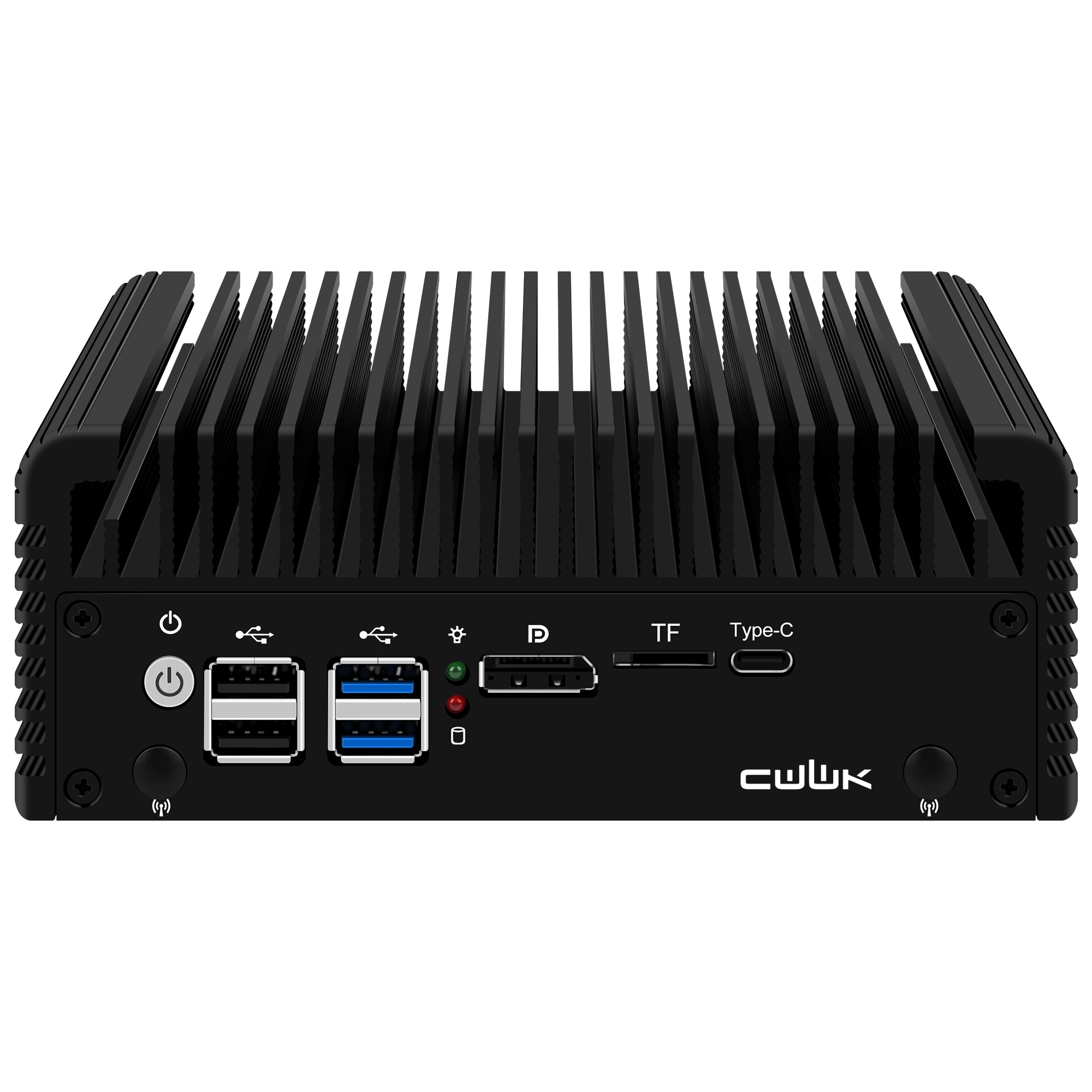
The F2 provides front and rear interfaces for networking, local system installation, display output, USB peripherals, storage access, and power. Its four Intel i226 2.5GbE LAN ports provide the primary connectivity for firewall, routing, and segmented network deployments.

Technical Specifications
Key processor, networking, storage, chassis, cooling, mounting, and installation specifications for the CWWK F2.
| Model | CWWK F2 |
|---|---|
| Processor Options | Intel N100, N150, Core i3-N305, and Core 3 N355 |
| Motherboard | CWWK Elite 4-port N-Series motherboard |
| Ethernet | 4 × Intel i226 2.5GbE RJ45 LAN ports |
| Memory | 1 × SO-DIMM DDR5 slot |
| NVMe Storage | 2 × M.2 NVMe SSD slots |
| SATA | 2 × SATA interfaces; supports 2.5-inch SATA drive installation |
| Chassis | Large-Back aluminum chassis |
| Dimensions |
155 × 135 × 65 mm 15.5 × 13.5 × 6.5 cm 6.10 × 5.31 × 2.56 in |
| Cooling | Fanless passive cooling through aluminum chassis and external heat-dissipation fins |
| Dust Protection | Dust-resistant chassis design |
| VESA Mounting | Supported |
| Optional Cooling | Supports optional 12V 4-pin 80 × 80 × 10 mm 8010 cooling fan |
| Operating Systems | OPNsense, pfSense, OpenWrt, Proxmox, Linux, Ubuntu, Debian, ESXi and Windows |
| Typical Applications | Firewall, router, VPN gateway, VLAN gateway, home lab, Proxmox host and network services |